> ## Documentation Index
> Fetch the complete documentation index at: https://help.airbridge.io/llms.txt
> Use this file to discover all available pages before exploring further.
# Real-time Logs
The real-time logs let you check in real time whether your data is being collected correctly. View them in the Airbridge dashboard under **\[Raw Data]>\[App Real-time Log]** or **\[Raw Data]>\[Web Real-time Log]**, depending on where the data was collected.
| Scenario | Search field | Related guide |
| ---------------------------------------------------------- | -------------------- | ------------------------------------------------------------------------------------------------------------------------------------------------------------ |
| Confirm data collection after integrating a new ad channel | Channel | [Integration Overview](/en/guides/integrating-ad-channels) |
| Test an SDK or tracking link | Event Category, ADID | [Testing the Airbridge SDK Integration for Marketers](/en/guides/sdk-testing) [Airbridge Deep Linking Test for Marketers](/en/guides/deep-linking-test) |
| Diagnose missing report data | Event Category | [FAQ - Using Your Raw Data](/en/guides/checking-raw-data-faq) |
## Before you begin
To view the real-time logs, you need:
* A configured [Airbridge SDK](/en/developers/sdk-quickstart) or [tracking link](/en/guides/tracking-link-overview)
* Permission to view the **\[Raw Data]** menu in the Airbridge dashboard
### Real-time log sampling
Airbridge samples the events shown in the app and web real-time logs. All event types appear, but only some events of each type appear. For example, if 100 app installs and 100 order completes occur, both event types appear in the real-time log, but only some of each appear rather than all 100. Sampling affects only the real-time logs, not your reports, attribution, or raw data export.
To see every event from your test device, browser, user, or IP, register its identifier as a test identifier. Events from the registered test identifiers are shown in full, without sampling. For how to register, see [Register test identifiers](#register-test-identifiers).
## Monitor the real-time logs
App events and web events appear in separate menus.
* To view app events, go to **\[Raw Data]>\[App Real-time Log]** in the Airbridge dashboard.
* To view web events, go to **\[Raw Data]>\[Web Real-time Log]**.
### Information available in the real-time logs
The real-time logs show key fields such as the operating system, event name, and channel.
## Search the real-time logs
Search the real-time logs by fields such as Event Category, Channel, and ADID, within the last 24 hours.
| Scenario | Search field | Example input |
| ---------------------------------------------- | -------------- | ----------------- |
| Confirm data collection from a specific device | ADID | The device's ADID |
| Verify a tracking link for a specific channel | Channel | Channel name |
| Confirm collection of a specific event | Event Category | Event name |
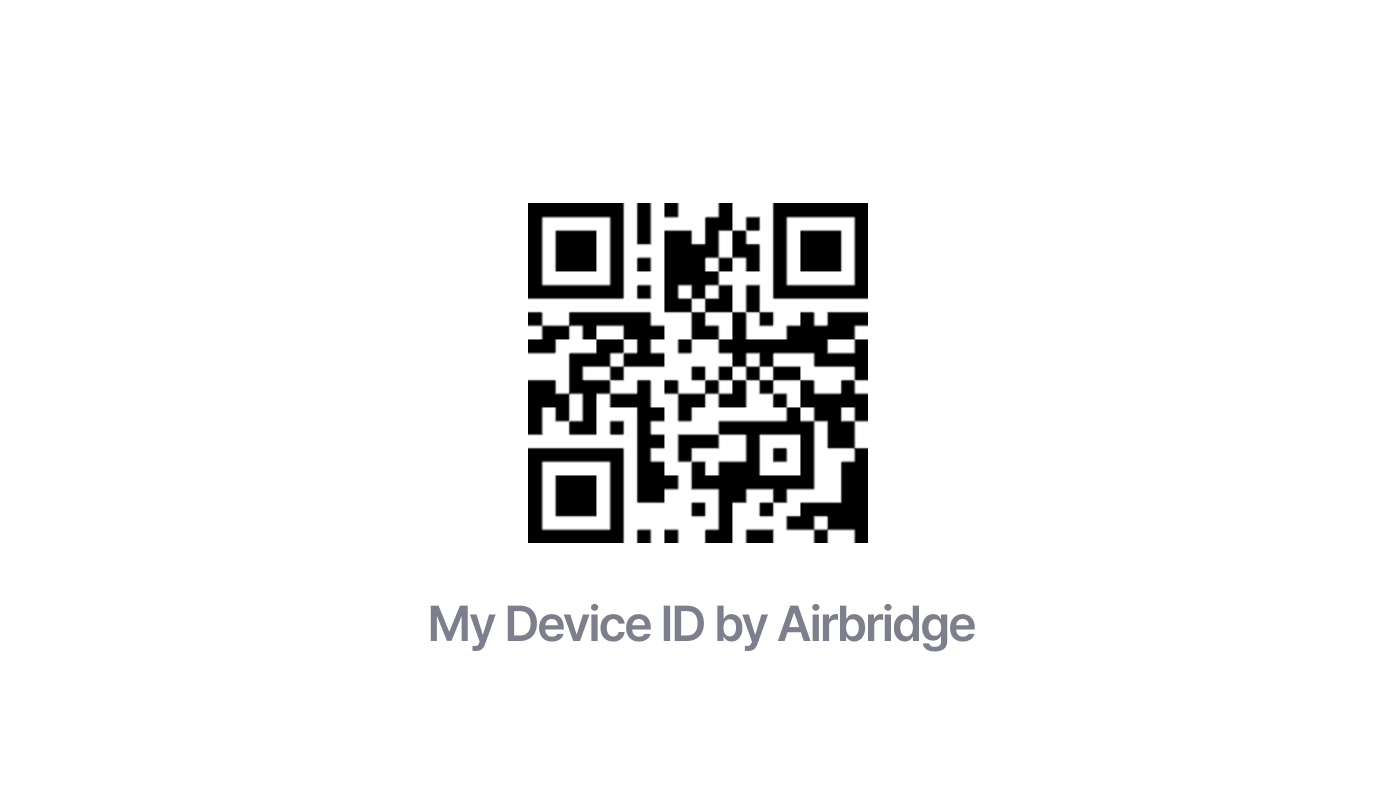
Download the My Device ID by Airbridge app using the QR code below to find your device ID. The app also shows device information such as the device model and operating system version. The available device ID types vary by operating system, so see the [Identifiers](/en/guides/identifiers) guide.
## Register test identifiers
Register a test identifier to see every event from a specific device, browser, or account while testing. Events from registered test identifiers are shown in full, without sampling. For how sampling works, see [Real-time log sampling](#real-time-log-sampling).
Anyone with permission to view the real-time logs can register or delete test identifiers, including Agency users who have that permission. Media Partners cannot.
### Identifier types and scope
| Identifier type | Applies to | Value to enter |
| --------------- | -------------------------------------------- | -------------------------------------------------------- |
| Device ID | App Real-time Log | The test device's device ID. Uses advertising ID (ADID). |
| Cookie ID | Web Real-time Log | The test browser's cookie ID. |
| User ID | - App Real-time Log - Web Real-time Log | The test account's user ID. |
| Client IP | - App Real-time Log - Web Real-time Log | The client IP you're testing from. |
### How to register
1. In the Airbridge dashboard, go to **\[Raw Data]>\[Test Identifiers]**. You can also open this page from the **\[App Real-time Log]** or **\[Web Real-time Log]** by clicking **Register test identifier**.
2. Select an identifier type, then enter its value.
3. Click **Register** to save. A test identifier takes effect about 10 minutes after registration and is not applied retroactively.
### Manage registered test identifiers
* Registered test identifiers appear in one list with the **\[Applies To]**, **\[Identifier Type]**, **\[Value]**, **\[Registered On]**, and **\[Expires On]** columns.
* Up to 50 test identifiers can be registered per app, counting app and web test identifiers together. When the list reaches 50, you cannot register more until you delete one.
* Each test identifier expires automatically 6 months after registration.
* Deleting a test identifier applies sampling to it again. To keep seeing all of its events, register it again.
## Diagnose missing events
If an event doesn't appear in the real-time logs, work through these steps in order.
1. Because the real-time logs are sampled, some events may not appear. For details, see [Real-time log sampling](#real-time-log-sampling).
2. Check whether 10 minutes have passed since the event occurred. Depending on network conditions, events from the last 10 minutes may not appear yet.
3. Make sure your search criteria, such as Event Category, Channel, and ADID, match your actual data collection setup.
4. Check whether your Airbridge SDK or tracking link is working correctly. For details, see Testing the Airbridge SDK Integration for Marketers and Airbridge Deep Linking Test for Marketers.
5. If Meta Ads channel data appears with a **Restricted** status, check whether you've signed the Meta Advanced Mobile Measurement (AMM) terms.
6. If these steps don't resolve the issue, contact your Airbridge CSM. If you don't have a designated CSM, contact the [Airbridge Help Center](https://app.airbridge.io/supports).
## Attention
### When data appears in the real-time logs
* Events appear in the real-time logs within 10 minutes.
* If data doesn't appear right after an event occurs, check again after 10 minutes.
* If data still doesn't appear after 10 minutes, follow the diagnosis steps above.
### Meta's raw data policy
Without agreeing to the Meta AMM terms, raw data for the Meta Ads channel is provided with a **Restricted** status. Data provided through the install referrer remains available without restrictions.
### Real-time log features and limitations
| Feature | Description |
| ------------------------ | ------------------------------------------------------------------------------------------------------------------ |
| Data availability period | Last 24 hours |
| Data refresh cycle | Real-time |
| Time zone | Your app's configured time zone |
| Search period | Up to 24 hours |
| Data delay | Up to 10 minutes |
| Sampling | Only some events of each event type are shown. For details, see [Real-time log sampling](#real-time-log-sampling). |
 ### Manage registered test identifiers
* Registered test identifiers appear in one list with the **\[Applies To]**, **\[Identifier Type]**, **\[Value]**, **\[Registered On]**, and **\[Expires On]** columns.
* Up to 50 test identifiers can be registered per app, counting app and web test identifiers together. When the list reaches 50, you cannot register more until you delete one.
* Each test identifier expires automatically 6 months after registration.
* Deleting a test identifier applies sampling to it again. To keep seeing all of its events, register it again.
## Diagnose missing events
If an event doesn't appear in the real-time logs, work through these steps in order.
1. Because the real-time logs are sampled, some events may not appear. For details, see [Real-time log sampling](#real-time-log-sampling).
2. Check whether 10 minutes have passed since the event occurred. Depending on network conditions, events from the last 10 minutes may not appear yet.
3. Make sure your search criteria, such as Event Category, Channel, and ADID, match your actual data collection setup.
4. Check whether your Airbridge SDK or tracking link is working correctly. For details, see Testing the Airbridge SDK Integration for Marketers and Airbridge Deep Linking Test for Marketers.
5. If Meta Ads channel data appears with a **Restricted** status, check whether you've signed the Meta Advanced Mobile Measurement (AMM) terms.
6. If these steps don't resolve the issue, contact your Airbridge CSM. If you don't have a designated CSM, contact the [Airbridge Help Center](https://app.airbridge.io/supports).
## Attention
### When data appears in the real-time logs
* Events appear in the real-time logs within 10 minutes.
* If data doesn't appear right after an event occurs, check again after 10 minutes.
* If data still doesn't appear after 10 minutes, follow the diagnosis steps above.
### Meta's raw data policy
Without agreeing to the Meta AMM terms, raw data for the Meta Ads channel is provided with a **Restricted** status. Data provided through the install referrer remains available without restrictions.
### Real-time log features and limitations
| Feature | Description |
| ------------------------ | ------------------------------------------------------------------------------------------------------------------ |
| Data availability period | Last 24 hours |
| Data refresh cycle | Real-time |
| Time zone | Your app's configured time zone |
| Search period | Up to 24 hours |
| Data delay | Up to 10 minutes |
| Sampling | Only some events of each event type are shown. For details, see [Real-time log sampling](#real-time-log-sampling). |
### Manage registered test identifiers
* Registered test identifiers appear in one list with the **\[Applies To]**, **\[Identifier Type]**, **\[Value]**, **\[Registered On]**, and **\[Expires On]** columns.
* Up to 50 test identifiers can be registered per app, counting app and web test identifiers together. When the list reaches 50, you cannot register more until you delete one.
* Each test identifier expires automatically 6 months after registration.
* Deleting a test identifier applies sampling to it again. To keep seeing all of its events, register it again.
## Diagnose missing events
If an event doesn't appear in the real-time logs, work through these steps in order.
1. Because the real-time logs are sampled, some events may not appear. For details, see [Real-time log sampling](#real-time-log-sampling).
2. Check whether 10 minutes have passed since the event occurred. Depending on network conditions, events from the last 10 minutes may not appear yet.
3. Make sure your search criteria, such as Event Category, Channel, and ADID, match your actual data collection setup.
4. Check whether your Airbridge SDK or tracking link is working correctly. For details, see Testing the Airbridge SDK Integration for Marketers and Airbridge Deep Linking Test for Marketers.
5. If Meta Ads channel data appears with a **Restricted** status, check whether you've signed the Meta Advanced Mobile Measurement (AMM) terms.
6. If these steps don't resolve the issue, contact your Airbridge CSM. If you don't have a designated CSM, contact the [Airbridge Help Center](https://app.airbridge.io/supports).
## Attention
### When data appears in the real-time logs
* Events appear in the real-time logs within 10 minutes.
* If data doesn't appear right after an event occurs, check again after 10 minutes.
* If data still doesn't appear after 10 minutes, follow the diagnosis steps above.
### Meta's raw data policy
Without agreeing to the Meta AMM terms, raw data for the Meta Ads channel is provided with a **Restricted** status. Data provided through the install referrer remains available without restrictions.
### Real-time log features and limitations
| Feature | Description |
| ------------------------ | ------------------------------------------------------------------------------------------------------------------ |
| Data availability period | Last 24 hours |
| Data refresh cycle | Real-time |
| Time zone | Your app's configured time zone |
| Search period | Up to 24 hours |
| Data delay | Up to 10 minutes |
| Sampling | Only some events of each event type are shown. For details, see [Real-time log sampling](#real-time-log-sampling). |