> ## Documentation Index
> Fetch the complete documentation index at: https://help.airbridge.io/llms.txt
> Use this file to discover all available pages before exploring further.
# FAQ - Onboarding Airbridge
## Getting Started with Airbridge
Yes, installing the Airbridge SDK in your app is crucial in measuring ad campaigns and [attributing conversions](/en/guides/attribution-overview).
To install the Airbridge SDK, visit this [page](/en/developers/airbridge-sdk-overview).
For an experienced developer, the setup should take 10 minutes per platform. Once the SDK installation is complete, submit your app to the app store. For details about the app review process, refer to this [article](/en/guides/prepare-app-store-review).
The size of the Airbridge SDK varies depending on the platform. The SDK adds up between 600 kB and 1MB to an iOS app and less than 200 kB to an Android app.
Yes, you can work with an app still in the development or testing stages. This allows you to safely test your SDK integration and confirm that the data collected is successfully passed from your app to the Airbridge server.
To store the data of the test app separately, use the test app’s API Token when installing the Airbridge SDK into the test app.
Follow the instructions below to work with a test app.
###### Add the test app to Airbridge
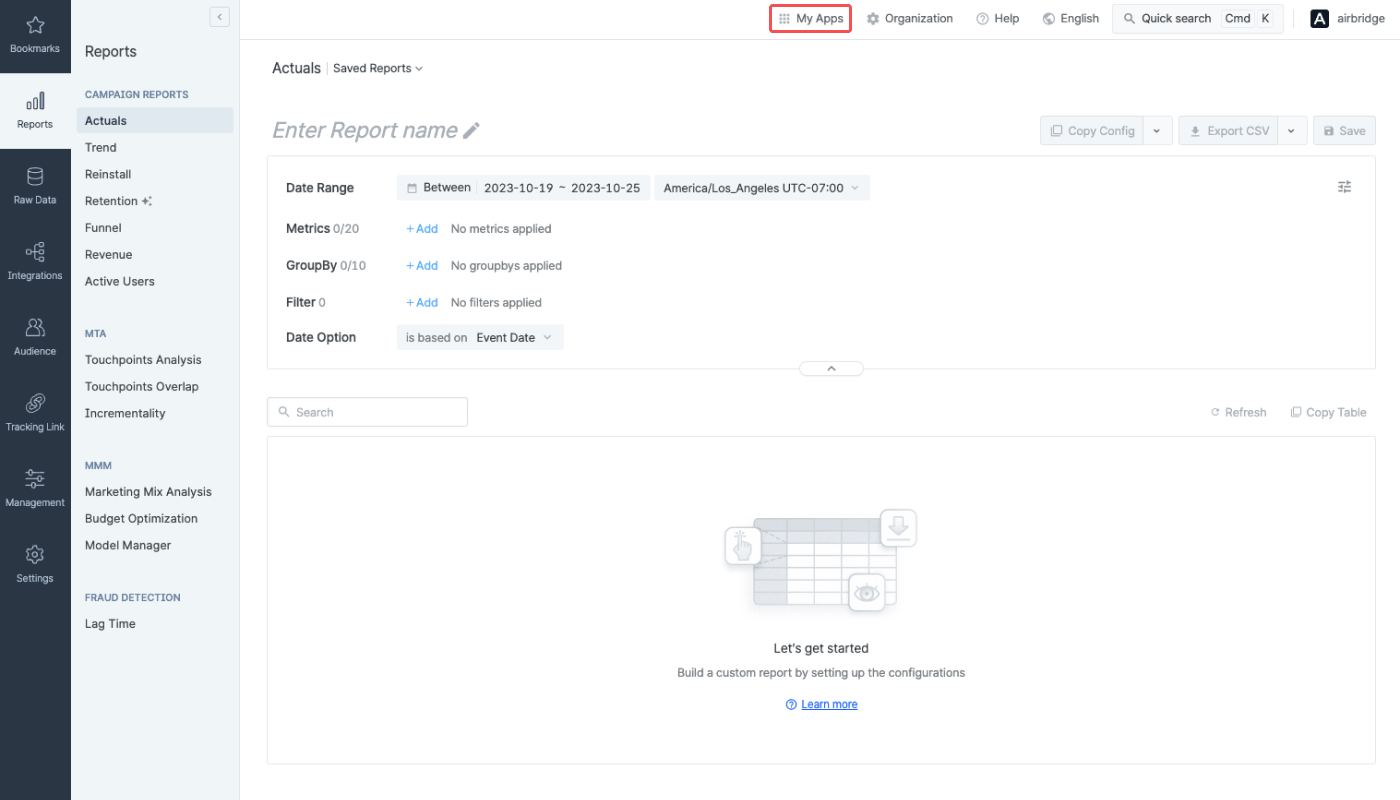
1. Click **\[My Apps]** on the top menu bar and select **\[My Apps ->]**. Click **Add a new app**.
2. In Step 2, select **Development mode**. For more details, refer to this [article](/en/guides/register-a-new-app#development-mode).
3. The app name of the test app should be different from the app name of the live app. Make sure you don't use the same name.
###### Deep link settings for deep linking test
Refer to the following information for the deep linking test.
* [Deep link settings for Android](/en/guides/retargeting-with-deep-links#deep-link-settings-for-android)
* [Deep link settings for iOS](/en/guides/retargeting-with-deep-links#deep-link-settings-for-ios)
## Registering an App with Airbridge
Yes, you can register as many apps as you want.
Navigate to the \[My Apps] page in the Airbridge dashboard, and you will see a list of apps you have registered. Click the “Add a New App” button in the upper right corner to register another app. To open the dashboard view of an app registered to Airbridge, click on the app name in the list.