> ## Documentation Index
> Fetch the complete documentation index at: https://help.airbridge.io/llms.txt
> Use this file to discover all available pages before exploring further.
# Monitoring DAU and MAU
The Active Users Report allows you to easily monitor the number of active users of your service.
## Active Users Report
The following articles provide details on how to create an Active User Report, which allows you to view the DAU, WAU, MAU, and more.
* [Creating an Active Users Report](/en/guides/understanding-the-active-user-report)
* [FAQ - Monitoring DAU and MAU](/en/guides/active-users-report-faq)
### Monitoring MAU in the Active Users Report
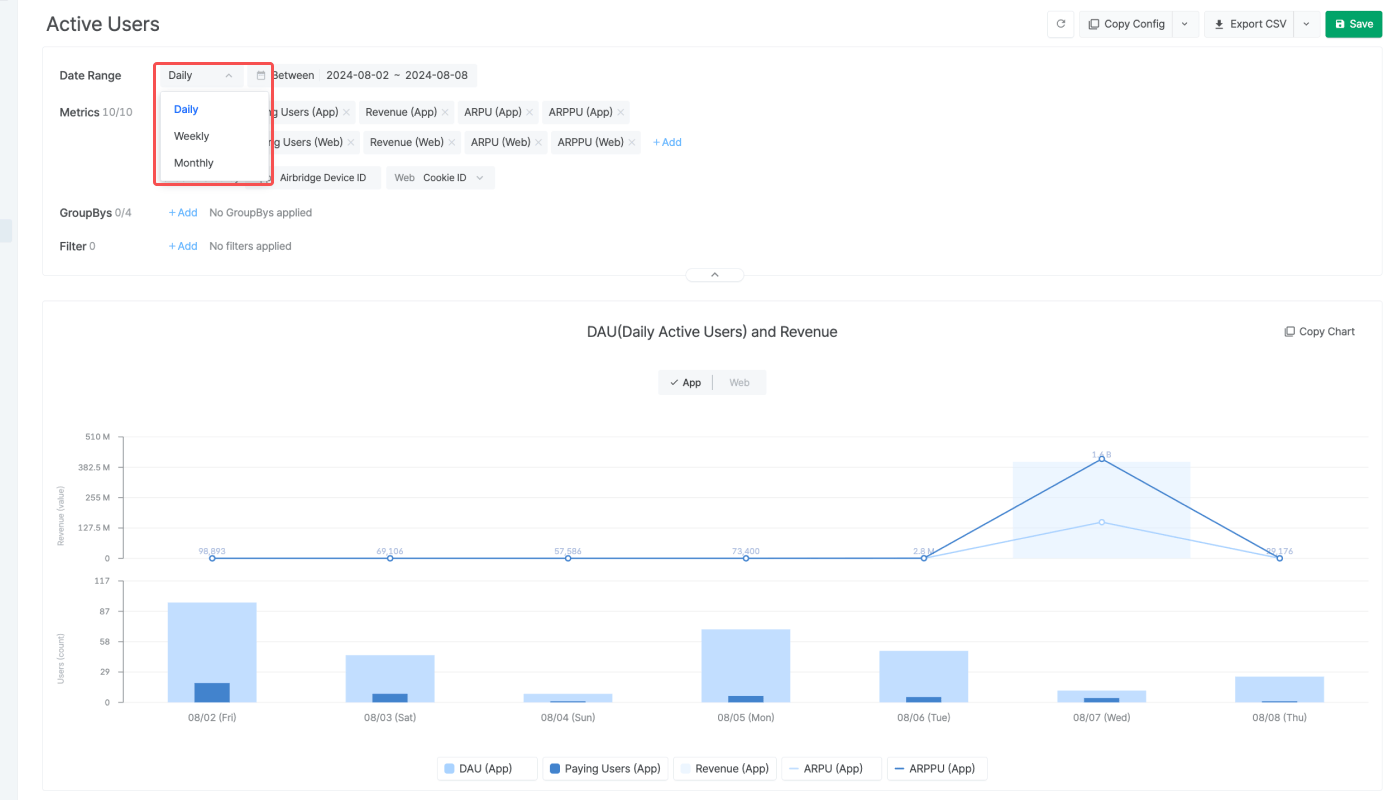
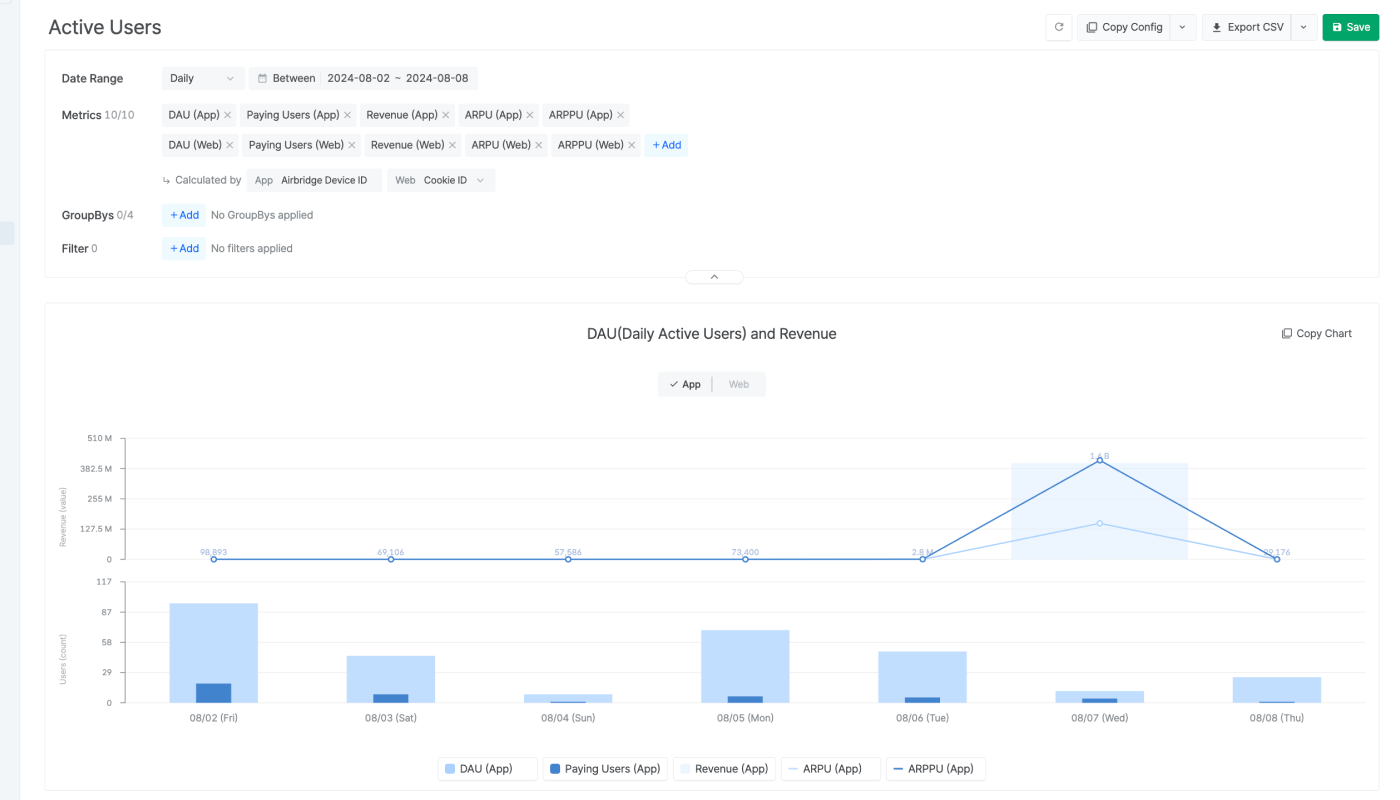
Set the granularity to `Monthly` and select MAU as a metric to view the MAU of the set date range in the Active Users Report. You can set the granularity to `Daily` or `Weekly` to view the DAU or WAU. For more details, refer to this article.
 ## Active Users Report
The following articles provide details on how to create an Active User Report, which allows you to view the DAU, WAU, MAU, and more.
* [Creating an Active Users Report](/en/guides/understanding-the-active-user-report)
* [FAQ - Monitoring DAU and MAU](/en/guides/active-users-report-faq)
### Monitoring MAU in the Active Users Report
Set the granularity to `Monthly` and select MAU as a metric to view the MAU of the set date range in the Active Users Report. You can set the granularity to `Daily` or `Weekly` to view the DAU or WAU. For more details, refer to this article.
## Active Users Report
The following articles provide details on how to create an Active User Report, which allows you to view the DAU, WAU, MAU, and more.
* [Creating an Active Users Report](/en/guides/understanding-the-active-user-report)
* [FAQ - Monitoring DAU and MAU](/en/guides/active-users-report-faq)
### Monitoring MAU in the Active Users Report
Set the granularity to `Monthly` and select MAU as a metric to view the MAU of the set date range in the Active Users Report. You can set the granularity to `Daily` or `Weekly` to view the DAU or WAU. For more details, refer to this article.